Offline field tools for assessment, layout planning, operational pass planning, and site visit tracking around farm-ng Amiga autonomous agricultural robots.
Four browser-based tools work from a shared encrypted workspace, so site, machine, layout, pass, and visit context stay aligned across the suite. No server, no login, no internet required after loading.
Inspector = what do we have? · Bed Planner = where is everything? · Pass Planner = what are we doing next? · Visit Log = what happened and what changed?
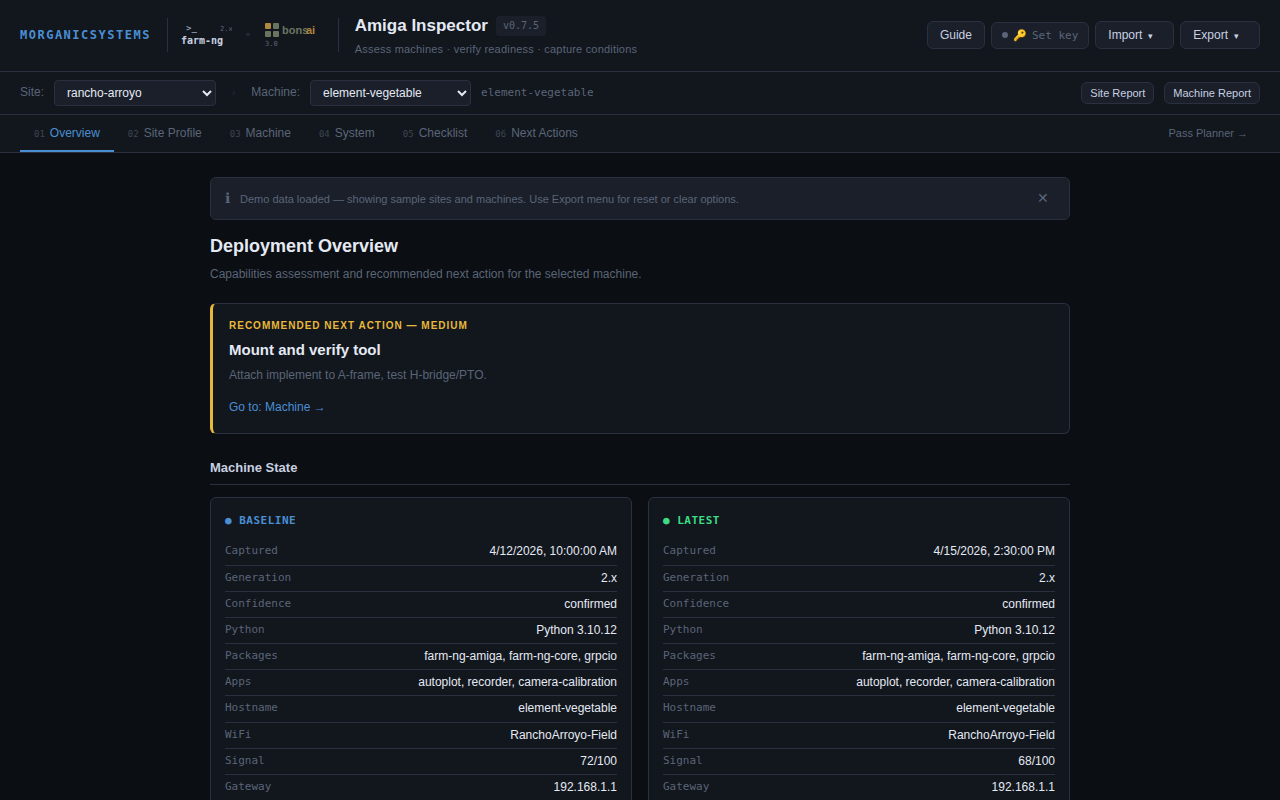
Assess machines · verify readiness · capture conditions
Capture machine identity, platform generation, site context, readiness status, and field notes. Inspector is the suite's intake and assessment layer — documenting what is present, what condition it is in, and what operational assumptions should follow. Supports V2.x and V3.0 Amiga platforms.
AMIGA-BLD-v0.8.21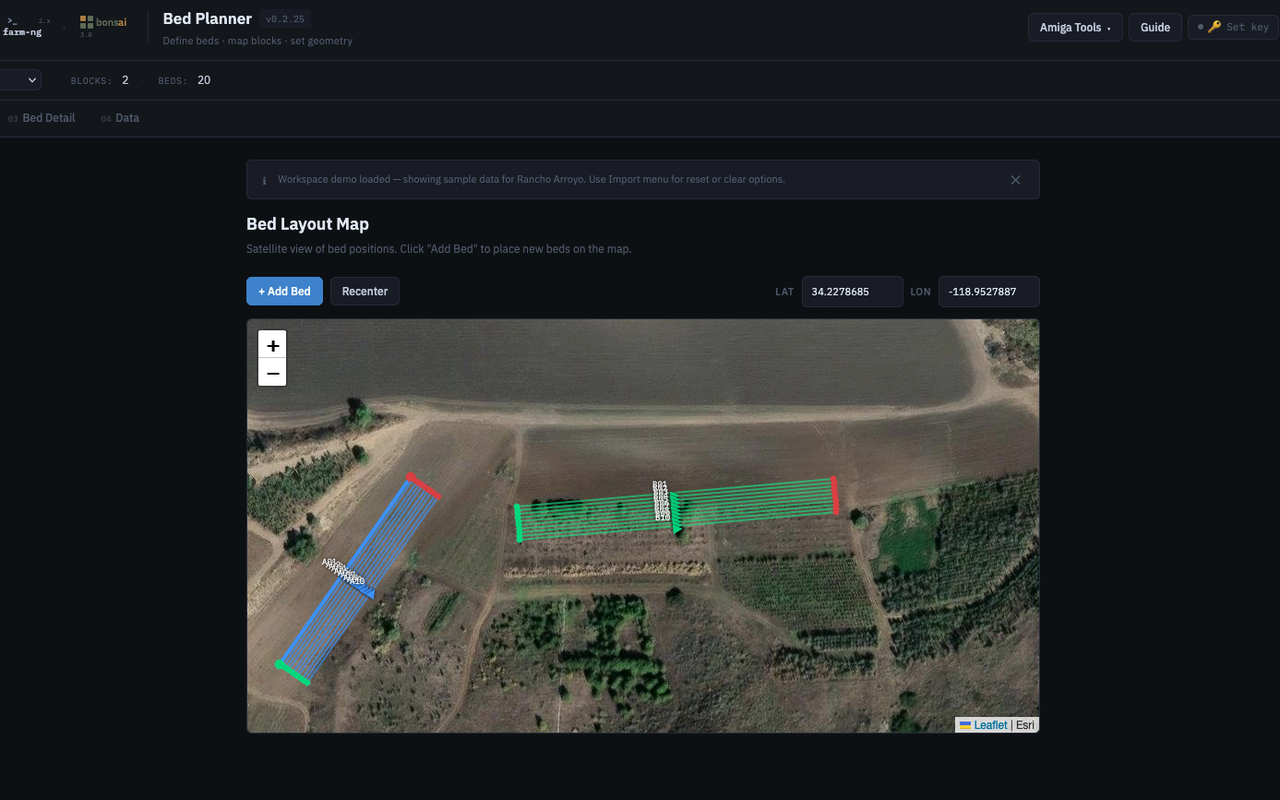
Define beds · map blocks · set geometry
Create and manage site blocks and beds inside a map-based planning surface. Bed Planner carries the spatial structure of a site: blocks, beds, naming, colors, crop associations, and GPS coordinates. Layout data is shared with Pass Planner through the unified workspace.
AMIGA-BLD-BP-v0.2.27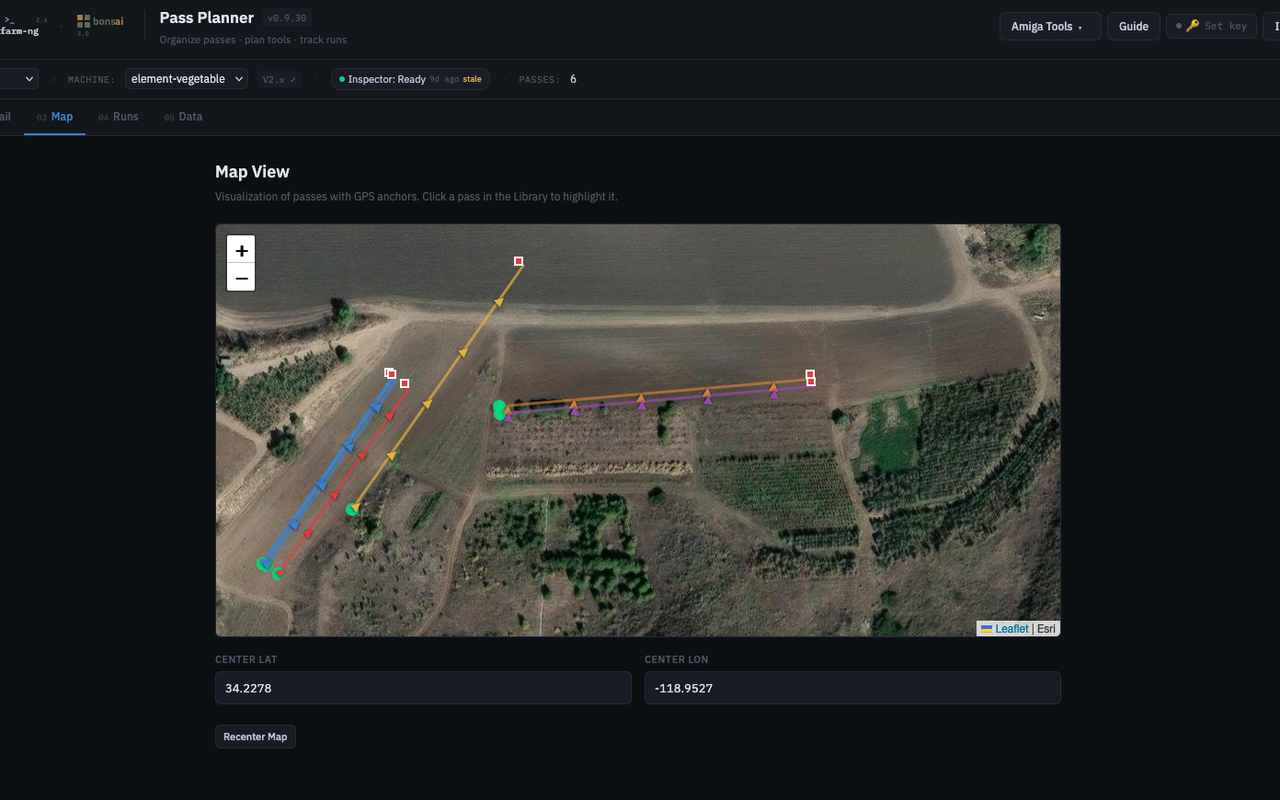
Organize passes · plan tools · track runs
Plan and review passes against site and machine context. Pass Planner connects site scope, machine scope, pass definitions, run history, and operator-facing planning views. Does not control the robot — serves as a structured field notebook for row-level operations.
AMIGA-BLD-PP-v0.9.32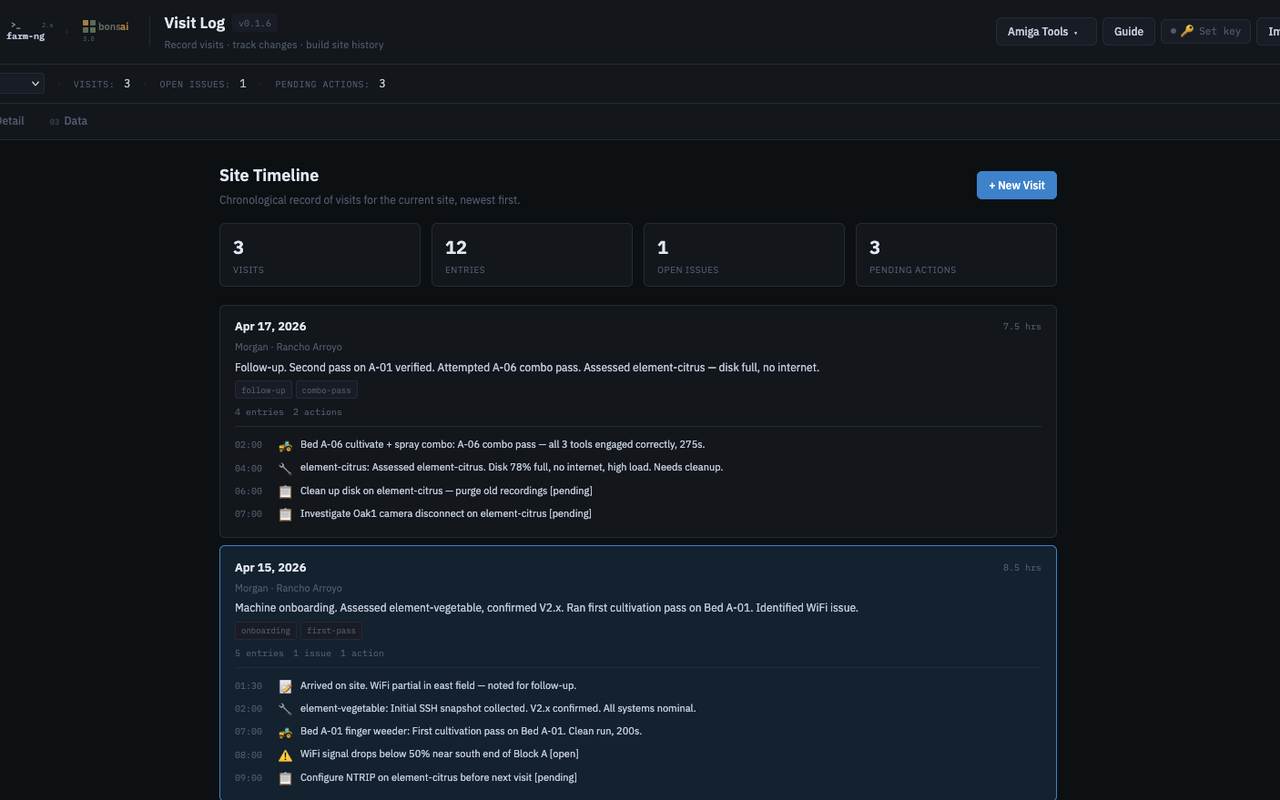
Record visits · track changes · build site history
Maintain a chronological record of site visits — what happened, when, and what changed. Visit Log is the suite's time axis: it reads site, machine, bed, and pass context from the shared workspace but owns only visit entries. Issues and action items are tracked inline. Cross-tool references link visits to specific machines, beds, and passes.
AMIGA-BLD-VL-v0.2.7Shared Workspace
All four tools operate from one shared browser workspace. Site and machine context carry across tools, layout, pass, and visit records stay aligned to the same site structure, and encrypted backup and restore happen at the workspace level. Operators manage one coherent field dataset instead of four disconnected app states.
Demo Suite
The current suite includes a shared demo workspace spanning multiple sites and machines, so the interaction between the four tools can be evaluated as one continuous workflow rather than as four isolated examples. Switch site context, inspect machine data, review bed structure, plan passes, and browse visit history — all against the same underlying workspace.
Encrypted Workspace Backup
Workspace backup and restore are handled through encrypted import/export. The suite is designed so that normal operator backups are secure by default rather than optional. Tool-specific diagnostics remain available for troubleshooting, but the primary backup path is the encrypted shared workspace.
Built for field deployment workflows
This work demonstrates the design of practical software around autonomous agricultural equipment: not dashboards, but operational tools that connect machine assessment, spatial planning, and execution planning in one environment.